
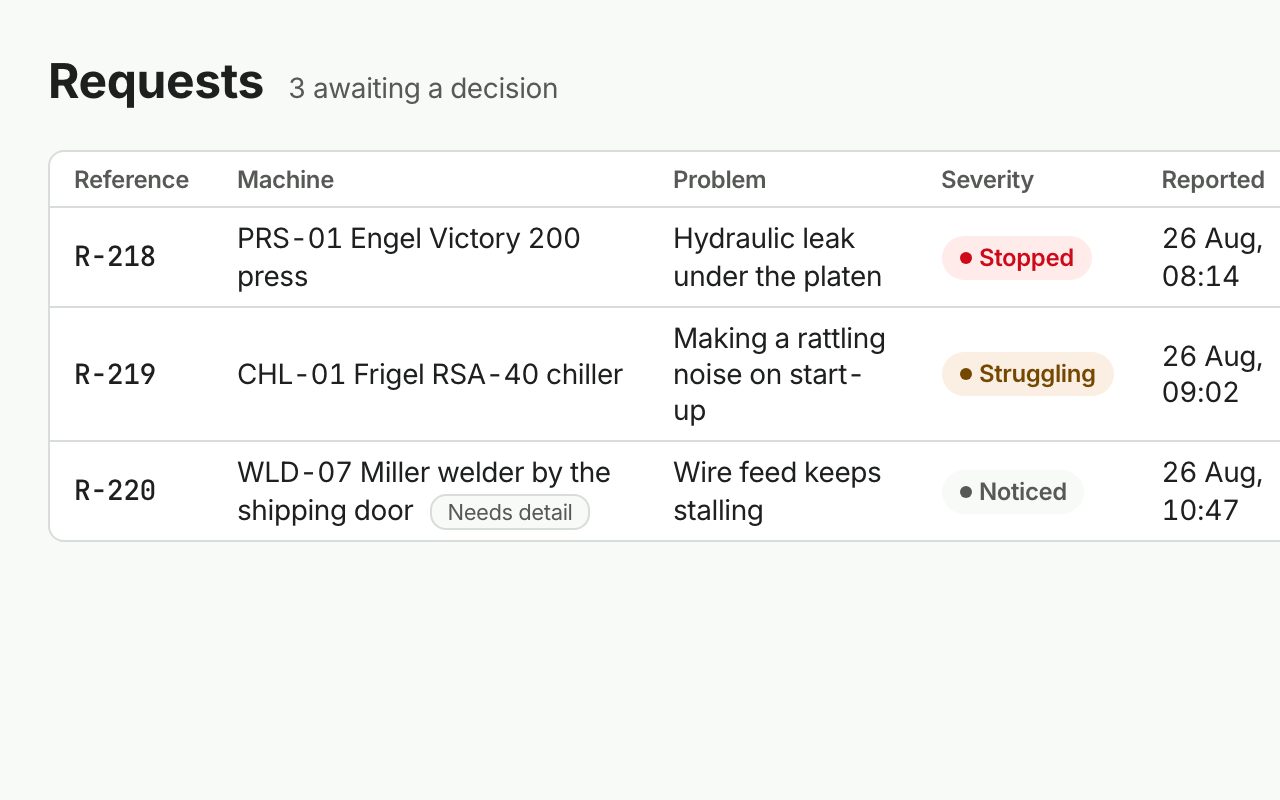
Work requests
An operator scans the QR label on the asset, taps what's wrong and how bad, adds a photo. Done in under a minute. No account, no vocabulary to learn. Managers approve, decline with a reason, or merge duplicates.
QR intake · no loginPowerful maintenance management for manufacturing teams: work orders, preventive maintenance and asset history in one centralized system, so operations keep running and downtime falls without costs rising.
From the operator who spots the problem to the auditor who asks for proof, every step is captured once and stored against the asset.
An operator scans the QR label on the asset, taps what's wrong and how bad, adds a photo. Done in under a minute. No account, no vocabulary to learn. Managers approve, decline with a reason, or merge duplicates.
QR intake · no login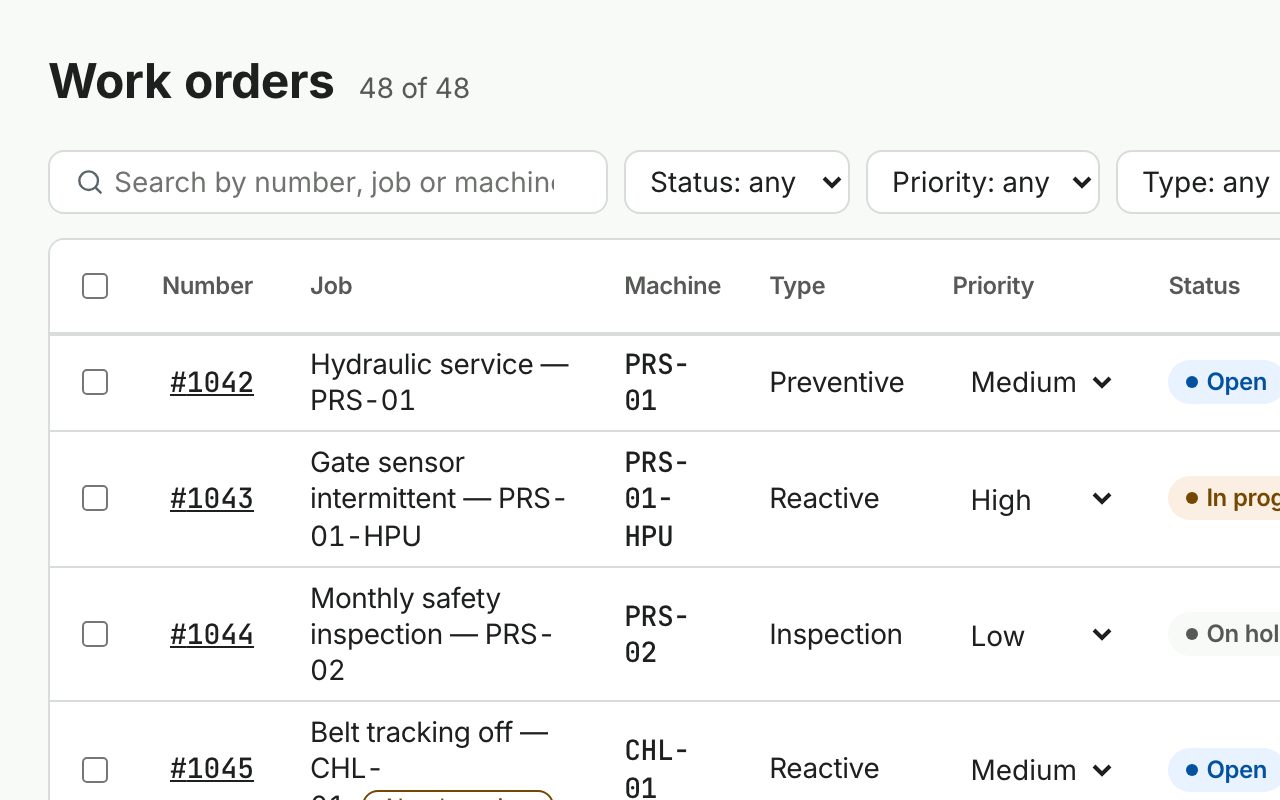
Every job attached to exactly one asset. Assign, prioritise and schedule from a dense web log with saved views and shareable filters; execute from a phone with one big action in the thumb zone.
Web + mobile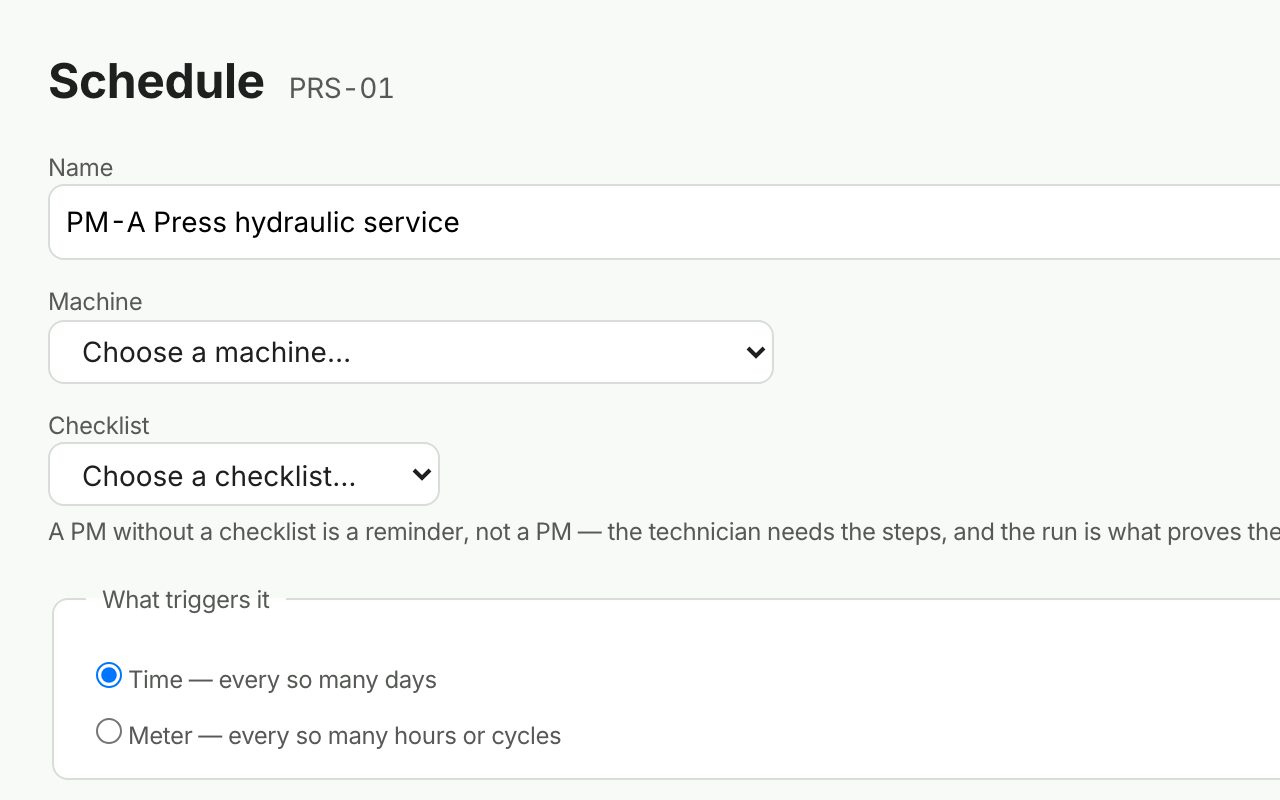
Time-based or meter-based schedules that generate work orders on their own, with the checklist already attached. See a 12-month forecast before you switch one on.
Time · run-hours · cycles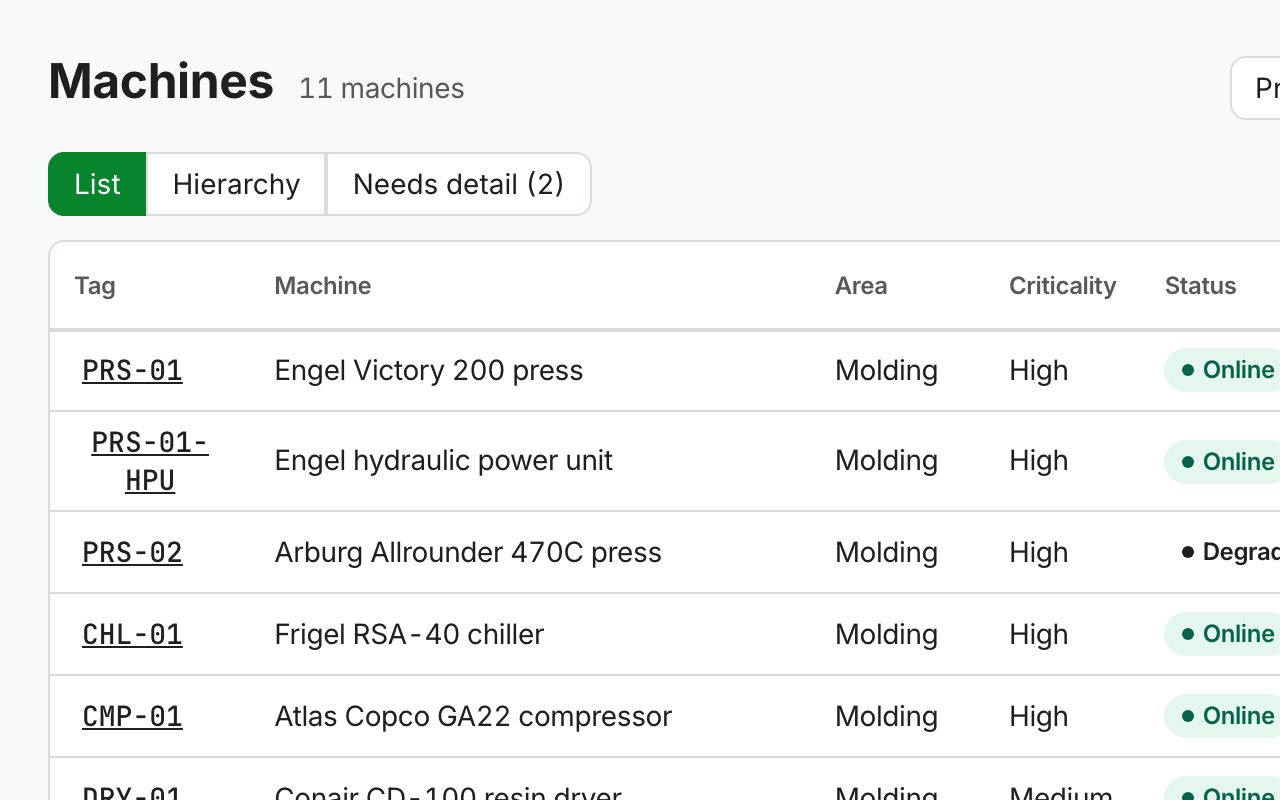
Every asset, its location, its manuals, its meters and its complete history of work and cost, accessible in seconds instead of buried in someone's memory. Techs can add an asset from the floor; managers fill in the detail later.
History · cost rollup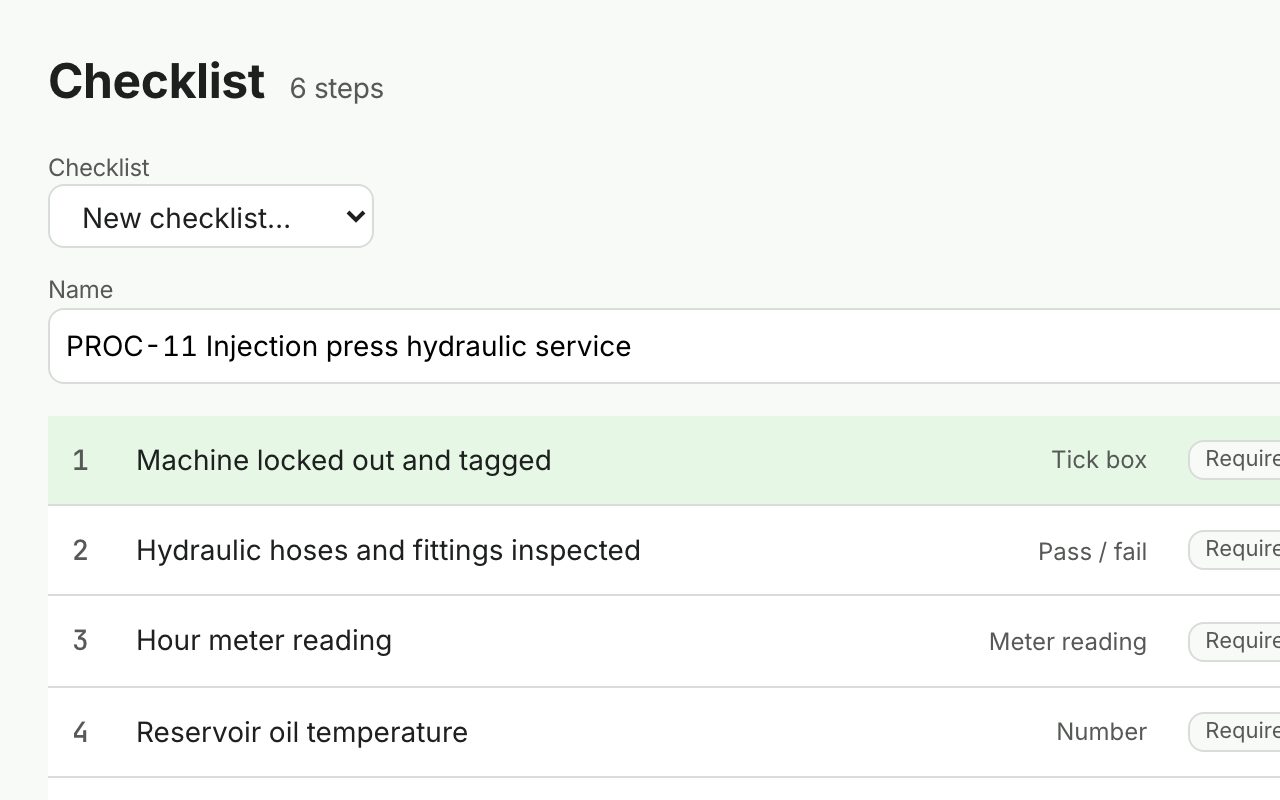
Digital forms with photo evidence, meter readings, pass/fail steps and signatures. Start from our vertical template library, not a blank page. Completed runs are frozen, so history never changes after the fact.
8 field types · photo · signature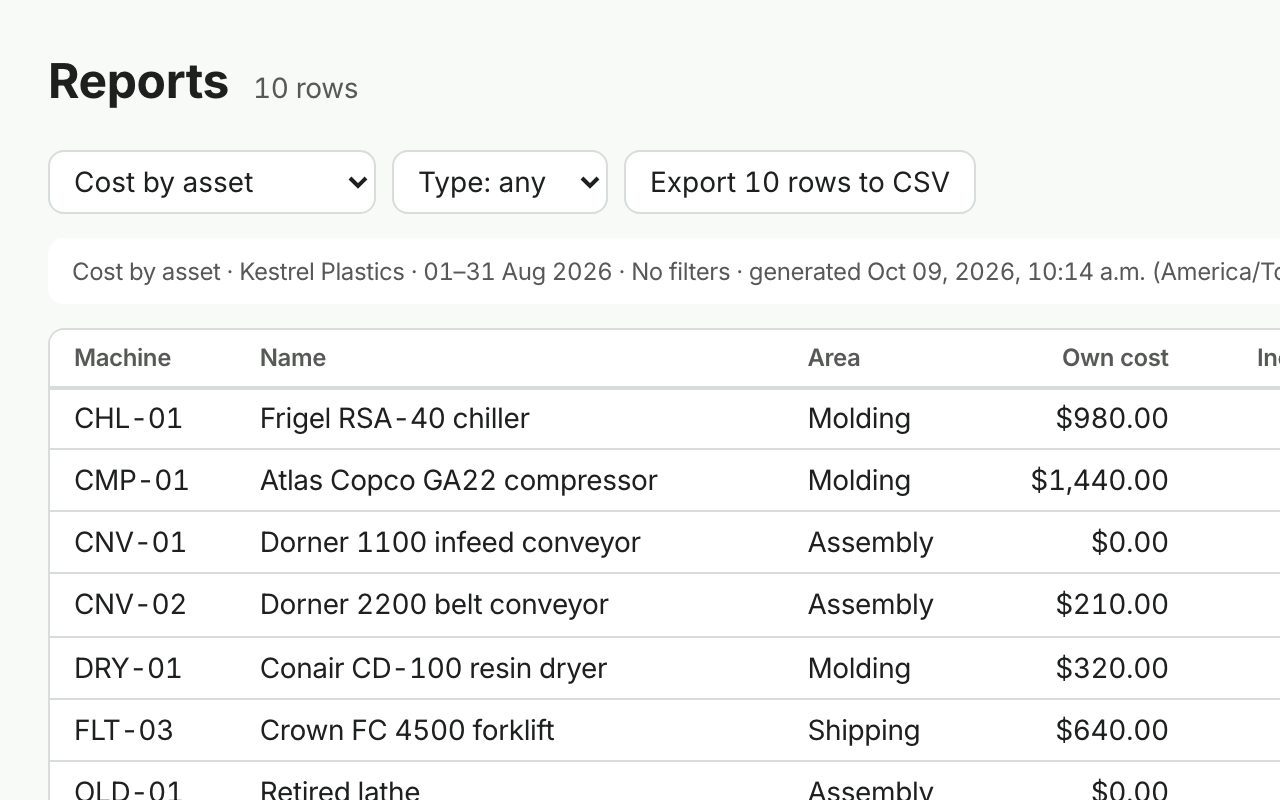
A dashboard where every tile is a link, five reports leadership can read without a spreadsheet, and one button that produces the PDF pack an auditor accepts: every check, who did it, when, with the evidence.
PM compliance · cost by asset · downtimePreventive maintenance schedules that trigger automatically, so assets get serviced before they fail, not after. The schedule fires, the work order appears, the checklist is attached. Nobody has to remember.
A complete history of work orders, repairs and costs for every asset, accessible in seconds instead of buried in someone's memory or a binder in the office.
One centralized system that replaces scattered spreadsheets, texts and paper logs, cutting wasted technician time and the emergency repairs that cost more than planned work ever would.
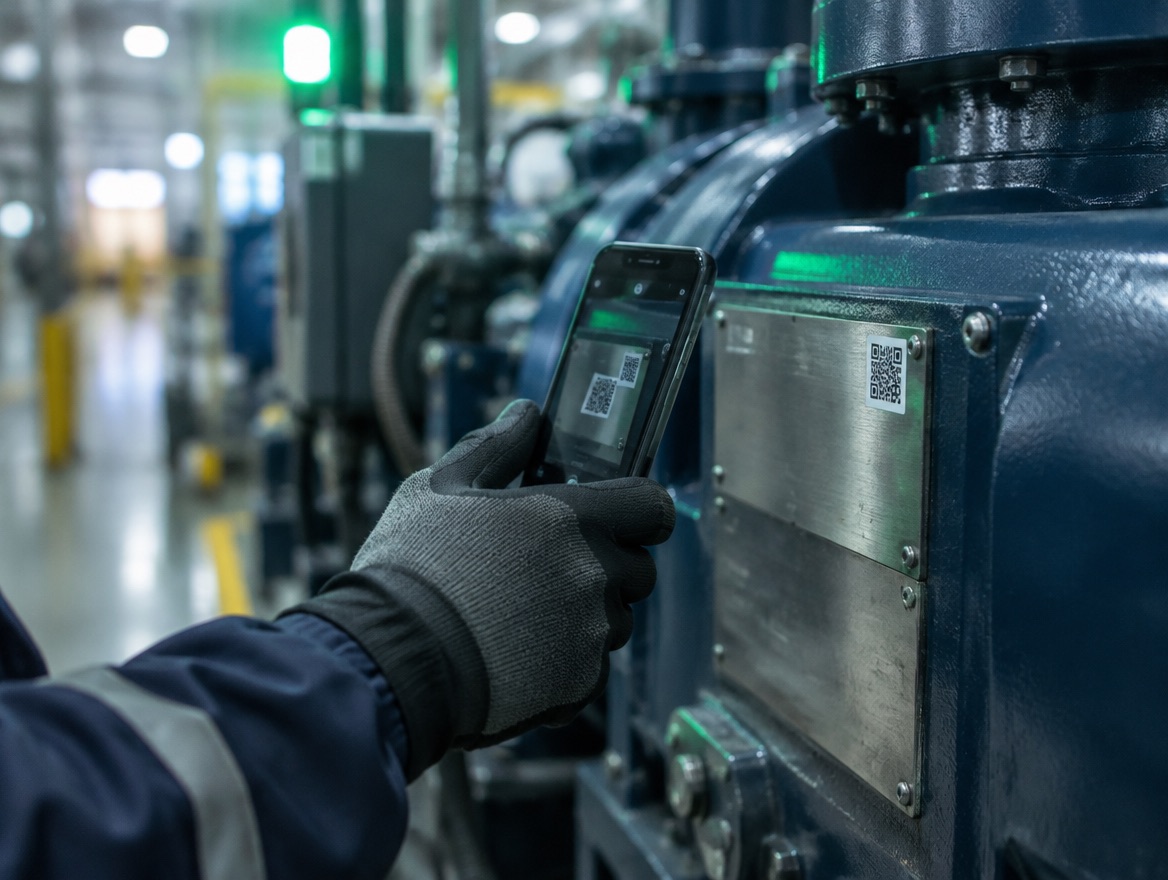
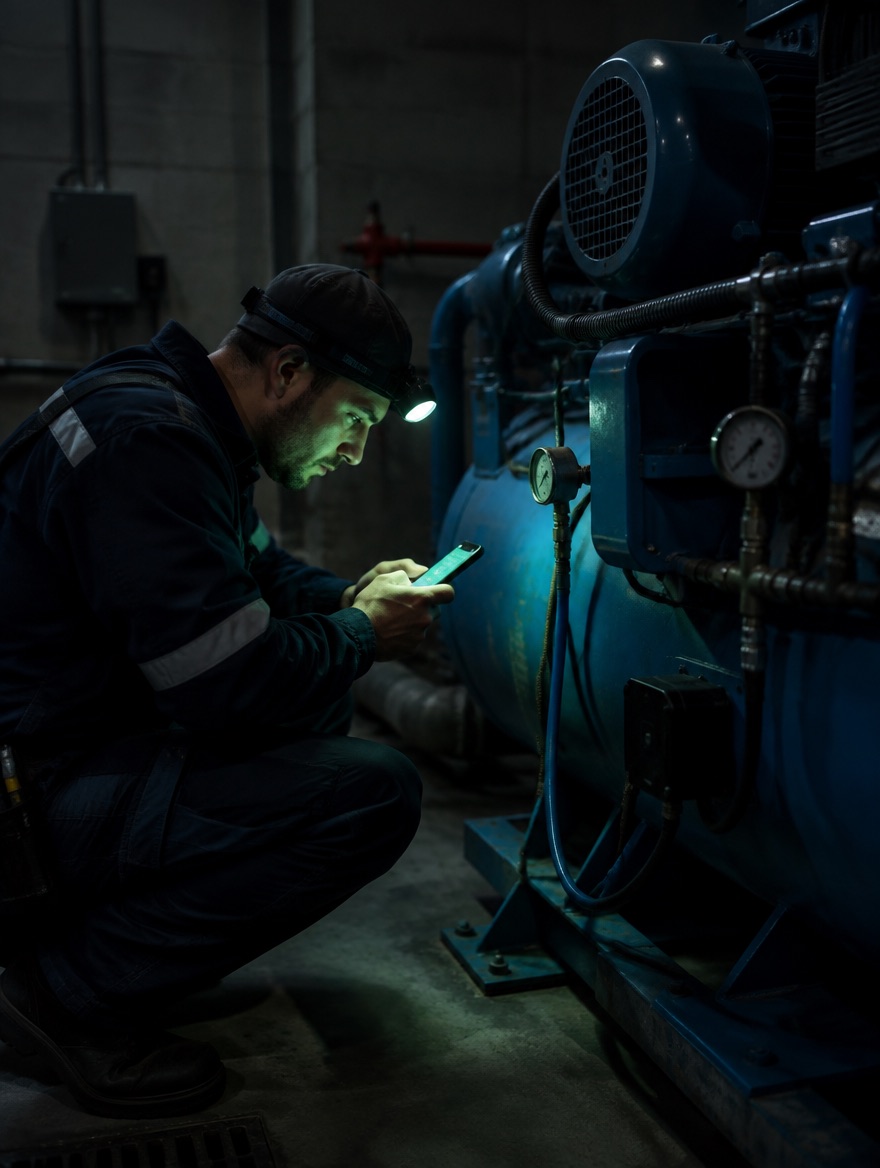
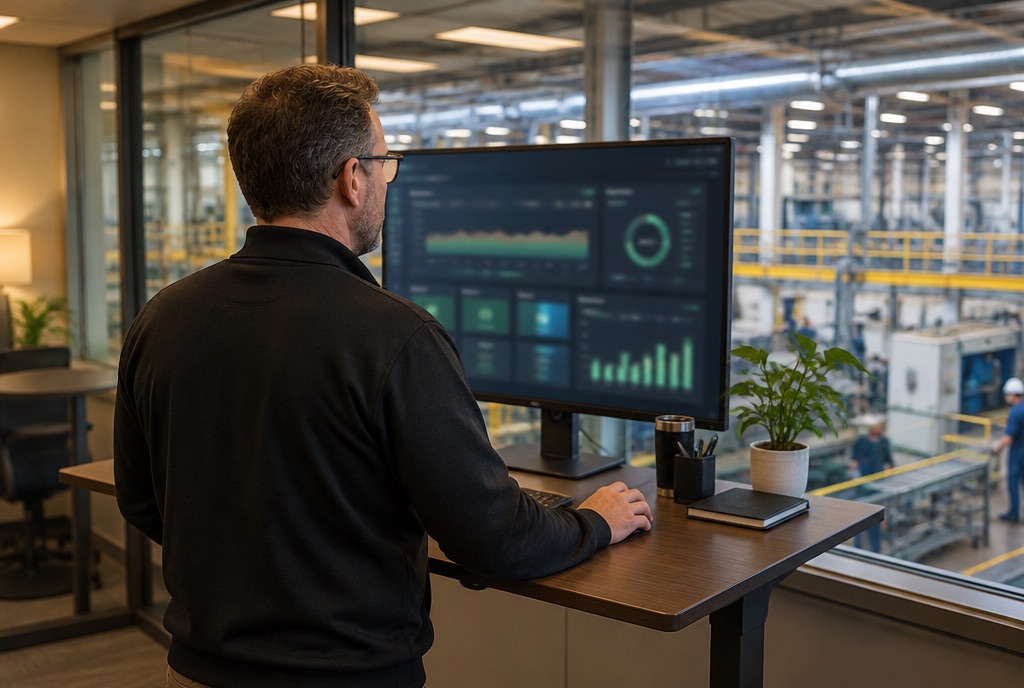
Tanya scans the label on PRS-01, taps Stopped, adds a photo of the leaking fitting and gets a reference number back. No account, no training, no vocabulary to learn. Dale's phone buzzes before she is back at her station.
Priya starts #1042 in the basement with no signal. The six-step procedure runs one step at a time, the meter reading is captured, time is logged. Nothing blocks for being offline. It syncs the moment she is back in range.
Dale's dashboard shows compliance with its denominator, cost per asset including components, and what is overdue. One click produces the PDF pack for Thursday: every check, who did it, when, with the photos and signatures.
ManeWork is built for the technician on the floor, not just the manager at a desk. Log work, capture photos and update asset history from a phone or tablet. No paperwork, no re-entry later. Every job, part and procedure is stored against the asset, so your team builds a record that makes maintenance faster and extends asset life over time.
Plant basements, metal buildings, two bars becoming zero. The whole job (procedure, meter readings, photos, time, closure) completes offline and syncs when you're back in range. Never a blocking error for being offline.
Operators scan the label on the asset and report a problem in three taps. They never have to learn what a "work order" is. The system meets them where they stand.
56 dp checkboxes, the primary action always in the thumb zone, 16 px minimum text, AA contrast. Photos compress under 1 MB and upload thumbnail-first on contended plant Wi-Fi.

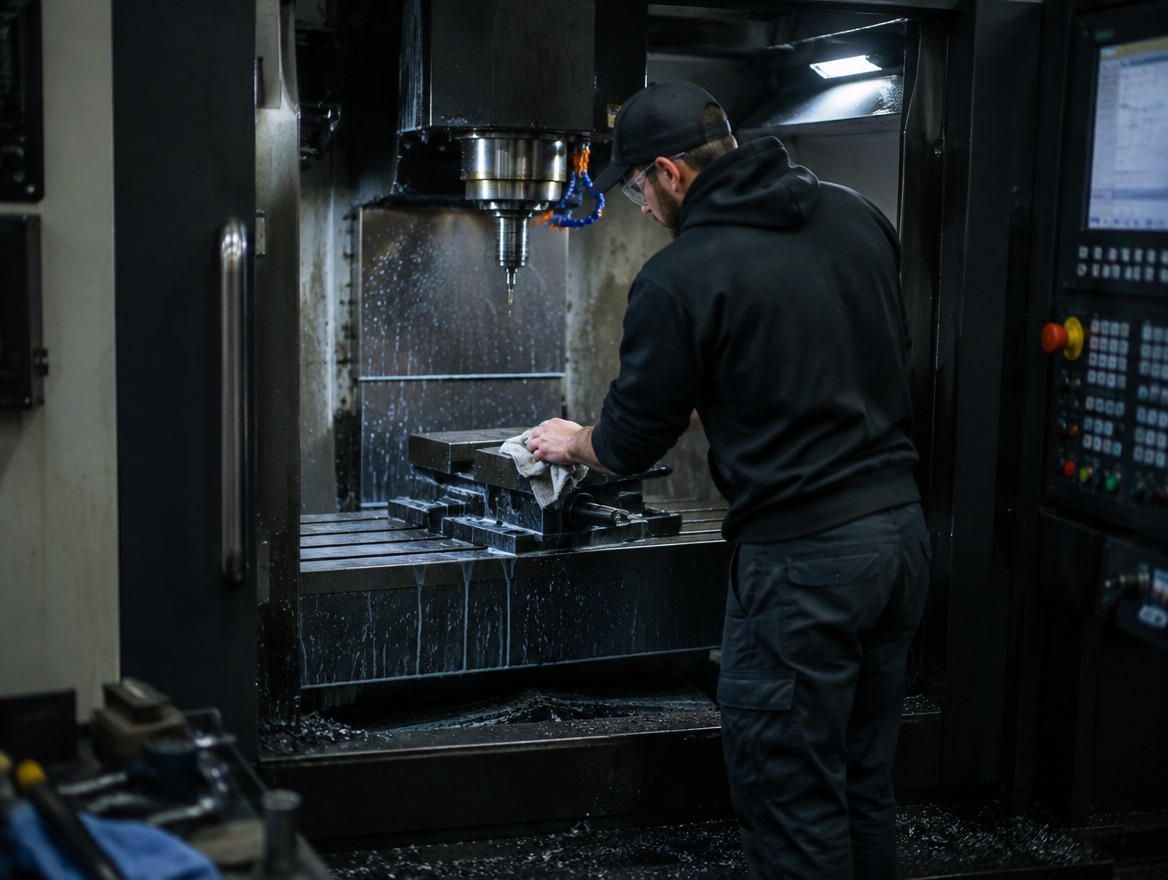

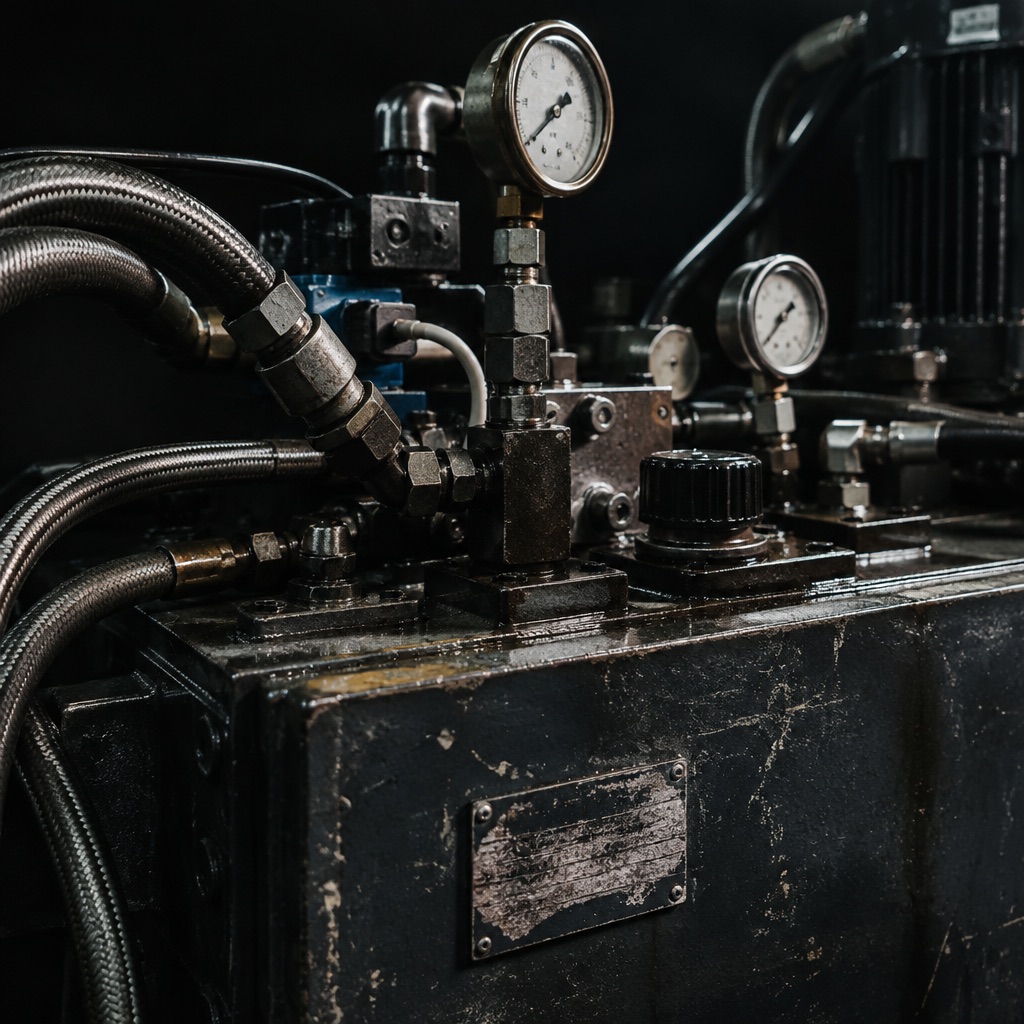
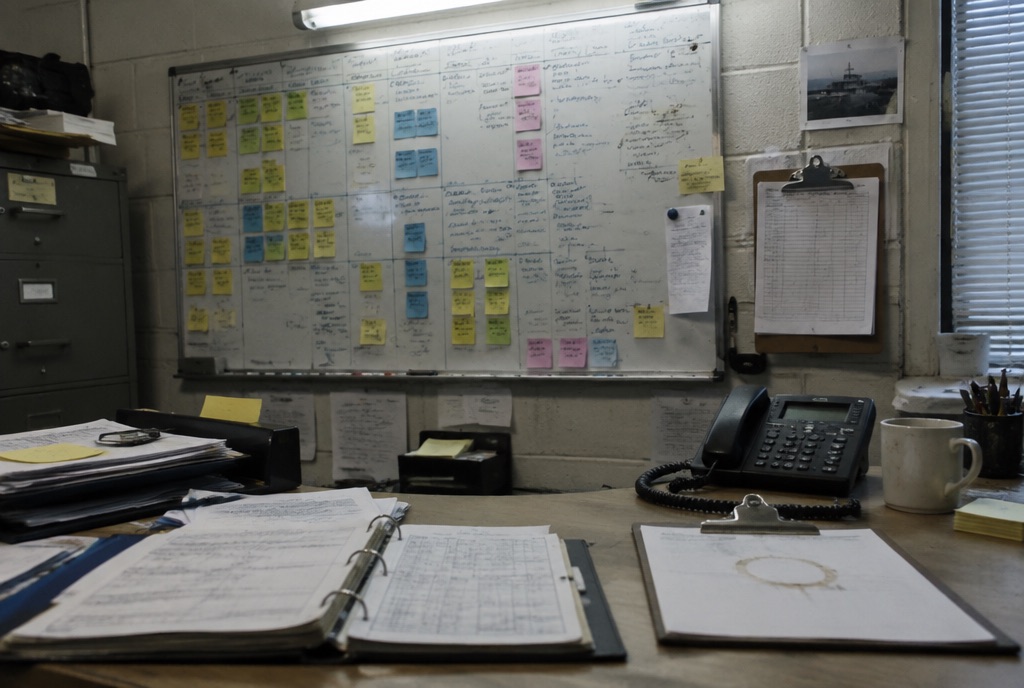
Request, work order, checklist, time, cost and evidence, captured once, stored against the asset. No re-entry, no reconciliation between the whiteboard and the spreadsheet.
Conflicts resolve on a server sequence, never a phone's clock. Two devices editing the same record resolve deterministically, and anything suspicious is flagged for review rather than silently overwritten.
Labour and outside spend roll up per asset, including child components, so "what is this asset costing us" has an answer. Cost figures are visible to managers only, never to the technician who logged the hours.
Every percentage shows its denominator. Excluded records are counted beside the figure, never hidden. Charts read nightly snapshots, so closing a job late never quietly improves last month.
We don't publish pricing yet. Tell us about your team and your assets, and we'll put together a quote that fits.
Contact salesManeWork is a maintenance management system (a CMMS) for physical industries. It tracks work requests, work orders, preventive maintenance schedules, assets, procedures and cost in one place, with a mobile app for the floor and a web app for management.
Single-site manufacturing and process operations with roughly 8–150 assets and a small maintenance team: plant managers, maintenance managers and directors, technicians, and the operators who report problems.
Yes. Technicians can start a job, run a checklist, take photos, enter meter readings, log time and complete the work order with no signal. Everything queues on the device and syncs when connectivity returns, with per-record sync status visible at all times.
No. They scan the QR label on the asset, describe the problem, pick how bad it is and optionally add a photo. The phone is remembered so they can see the status of what they reported. No app install, no password.
Schedules run on time (every 30 days) or on a meter (every 500 run-hours). When one comes due, a work order is created automatically with the right procedure attached and assigned to the right team. You see a 12-month forecast before saving any schedule.
Completed checklists are frozen at completion, so a template edit can never change what someone signed. Pick a date range and asset group and export one PDF pack containing every completed check, who did it, when, with photos and signatures.
Not yet. Version one focuses on work orders, PM scheduling, assets, procedures and reporting. Outside costs like parts and contractor time are captured per work order so cost per asset still adds up. Full parts and inventory tracking is on the roadmap.